Version 5.5 brings the SHD AI Presenter, automatically scheduled services, a sortable shopping basket and an even closer ERP integration to KPS.MAX. The rollout starts in the coming weeks.
Over the coming weeks, we will begin rolling out the new KPS.MAX version 5.5. Look forward to a host of new features, extensive optimisations, adjustments and bug fixes that make your day-to-day planning noticeably easier.
You will be notified automatically via the KPS.MAX hub. Simply install the update there and you are ready to go.
Our tutorial “KPS.MAX: What’s New in Version 5.5” gives you a compact overview of the new features. Invest a few minutes and get to know the possibilities in detail:
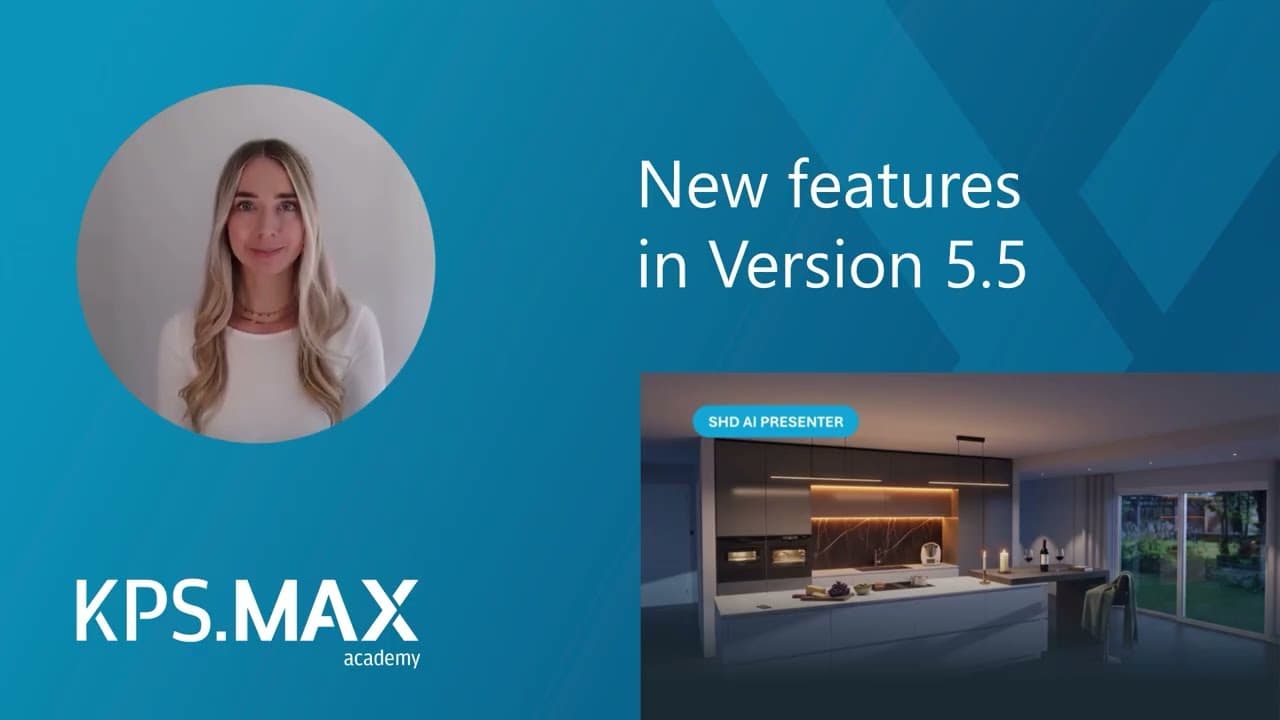
With a single click, your 3D view becomes a photorealistic image complete with scene and lighting atmosphere. People and pets can be added on request. The SHD AI Presenter adds the emotional touch to your design automatically: no positioning of individual objects, no manual decoration or lighting. Variations in seconds, quick style comparisons and presentation-ready results, all within the same customer meeting and with no waiting time.
*Available as a paid add-on. More about the SHD AI Presenter
Installation, measuring, extended warranties or fittings packages are part of almost every order, yet they are overlooked time and again. From KPS.MAX 5.5 onwards, the system adds such items automatically: either when the design is created or as soon as the first item from a manufacturer is added. You define which items these are once, centrally. This ensures that every service ends up where it belongs: on the invoice.
Hold down the CTRL key to combine several contexts and move or rotate walls, cabinets and worktops precisely in a single action. Want to reposition an entire kitchen island? Simply draw a frame around the island in the middle of the room and move everything together. If you wish, you can turn the same selection into an item group, save it as a template and reuse it in your next design with a single click.
Sort the shopping basket by drag and drop to suit the way you work: all electrical appliances together, in the order of the manufacturer’s confirmation, or neatly separated by kitchen, dining room and utility room. KPS.MAX transfers the new order directly to your documents with new item numbers. In the background, everything remains linked to the design.
KPS.MAX now transfers all price-related values individually to your ERP: discounts, cash discounts and bonuses. Your ERP then calculates post-costing, commission and bonus accruals itself, without anyone having to re-enter data. Pre-printed or pre-reserved sales contract numbers also work in ERP-integrated operation, with each number checked directly against the ERP. You also decide which views are sent to the ERP. This keeps your documents there clearly organised and the transfer fast.
Install the new version as soon as it appears in your KPS.MAX hub and benefit from all the new features, optimisations and bug fixes.
Newsletter: product news, event dates and practical tips from SHD.
Subscribe to newsletterTalk to our industry experts and learn how SHD can move your business forward.